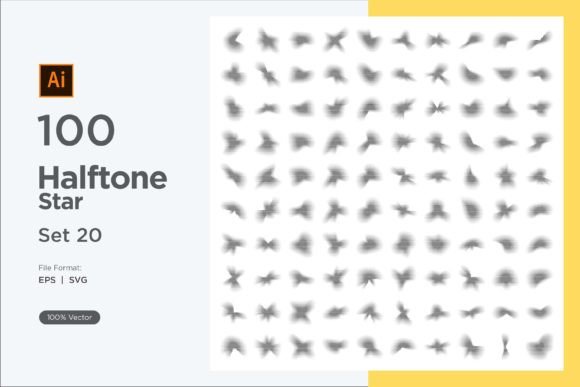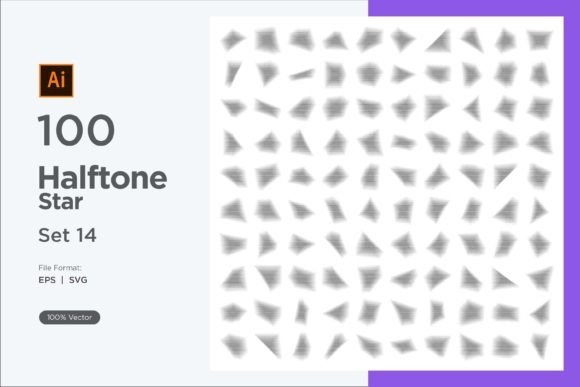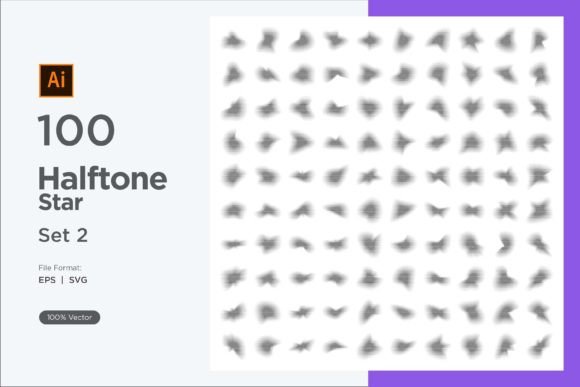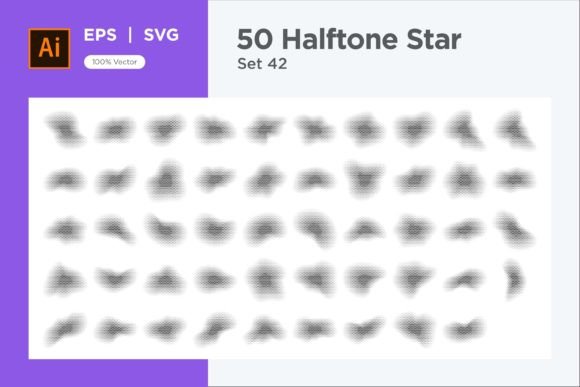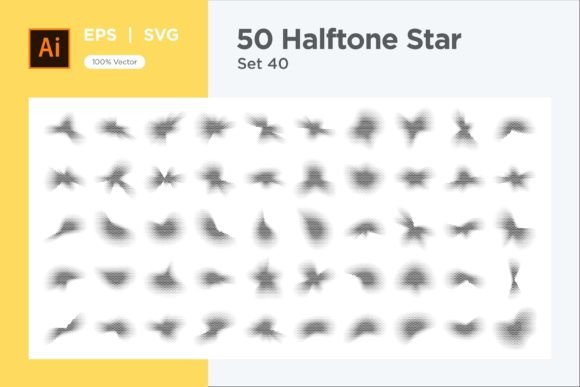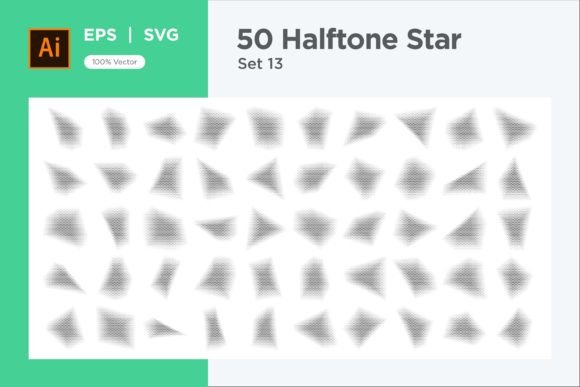
Stars Shape Halftone Background 50-13
Designers and visual storytellers often search for that one asset that lifts a composition from flat to intriguing. Stars Shape Halftone Background 50-13 delivers exactly that—a carefully constructed set of star motifs treated with a halftone effect, ready to become the backbone of posters, digital art, social graphics, apparel prints, packaging, and much more. Instead of relying on solid fills or predictable gradients, these repeated stars use the language of dots and optical mixing to create texture, depth, and a sense of motion that feels both retro and freshly contemporary.
What makes this asset stand out
Unlike standard star overlays, this collection merges geometry with a halftone approach. Each star shape is built using varying dot densities or stepped gradient breaks, giving the illusion of highlights and shadows without adding extra layers. The result feels dimensional, almost tactile. Because the halftone resides inside the star boundaries, the overall layout can range from tidy grids to scattered celestial patterns while still keeping each element visually rich.
For anyone working in branding, editorial illustration, or merchandise design, the value lies in speed and flexibility. You don’t need to construct halftone gradients from scratch. The pack arrives as 50 EPS and 50 SVG files, meaning every graphic is fully vector, endlessly resizable, and compatible with any mainstream design tool—Adobe Illustrator, Affinity Designer, Inkscape, Figma, or even PowerPoint via SVG import. You can literally drag, drop, and start recoloring in minutes.
Creative applications across mediums
The beauty of a stars shape halftone background is how easily it adapts to different visual languages. The same star pattern can feel cosmic and dreamy in one project, then grungy and punk-inspired in another—all depending on color, scale, and blending mode. Here are a few real-world directions that designers and small business owners can explore.
Celestial branding and stationery
Independent boutiques, tarot deck creators, and event planners often lean on night-sky aesthetics. Using the halftone stars as a background layer for business cards, wax seal-inspired logo marks, or invitation suites adds instant atmosphere. Try a deep indigo base with stars in metallic gold or soft cream. Set the layer opacity to Overlay or Soft Light in your design file so the halftone merges seamlessly with paper textures or subtle gradients. Because the vectors are fully editable, you can isolate individual stars to use as standalone icons for bullet points or subtle corner ornaments, keeping the visual rhythm consistent throughout the project.
Retro-futuristic digital art
Halftones immediately reference mid-century print, comic books, and arcade screens. Apply a vibrant magenta-to-cyan duotone over the star field, enlarge the pattern to the edge of the canvas, and place a minimal typography lock-up at the center for a synthwave-style poster. If you’re designing for social media, animate two color variations and swap them in a looping GIF to make the halftone “vibrate” slightly—a trick that performs particularly well on streaming overlays or music event promos. The fact that the pack includes 50 different star arrangements prevents repetitive results, so each campaign micro-asset can feel fresh.
Textile and surface pattern design
Fashion designers and surface pattern creators can extract single star motifs from the EPS files and build seamless repeats for fabric, wrapping paper, or phone cases. Because the halftone dot size changes within each star, even a single-color print on a tote bag or T-shirt carries depth—the illusion of shading emerges without expensive multiple screen setups. If you’re selling on print-on-demand platforms, use the SVG versions to mock up products accurately; the crisp vectors guarantee no pixelation when scaled up for all-over prints.
Educational and editorial layouts
Teachers creating worksheets or publishers designing science-magazine infographics can use these stars to denote space, physics, or astronomy topics without relying on literal star photos. A background layer of softly tinted halftone stars helps anchor text-heavy layouts by adding texture behind pull quotes or callout boxes. Balance is key: reduce the pattern opacity to 10–15% on A4 or letter-size pages so the halftone remains visible but never fights readability.
How different audiences can tailor the same asset
One of the most practical strengths of Stars Shape Halftone Background 50-13 is its openness to interpretation. A single user might pull ten variations and never need the rest, while another might build an entire brand kit around all fifty.
- Freelancers and agencies can keep the folder on hand as a client-presentation shortcut. When pitching a moodboard for a children’s book cover or a sci-fi podcast, dropping in a relevant halftone star background instantly communicates tone without hours of manual rendering.
- Small business owners with limited design budgets can create their own promotional materials. Open an SVG file, change the fill to match the brand palette, place it behind product photos, and export for an Instagram post or website banner. No stock photo subscriptions required.
- Content creators and streamers often need quick, eye-catching overlays for thumbnails and offline screens. A halftone star field paired with a bold, boxy typeface reads well even at small sizes, helping thumbnails stand out in crowded feeds.
- Hobbyist crafters using cutting machines will appreciate the clean SVG paths. Import the file into Cricut Design Space or Silhouette Studio, scale to the desired size, and cut adhesive vinyl stars for laptop skins, planner covers, or wall decals. The halftone detail remains intact because it’s built into the vector structure.
Maximizing workflow with vector tools
Because all 50 EPS and 50 SVG files are fully resizable and editable, you are never locked into the original look. Quick color changes are the most obvious advantage: in Adobe Illustrator, select the star group and use the Recolor Artwork feature to map halftone tints to any palette in seconds. But don’t stop there.
If you want a more organic feel, blend the halftone stars with photographic textures. Place a grainy paper or film-grain image above the star layer and set the blending mode to Multiply. This subdues the digital precision just enough to create a screen-printed appearance. For a subtle animated web header, export the star background as an SVG, drop it into an HTML canvas, and use CSS or JavaScript to gently shift the position over time—the dot pattern becomes alive without any external video assets.
When combining multiple halftone elements, keep visual clarity in mind. If you’re placing white halftone stars over a busy photo, the dots might become illegible. In those cases, apply a subtle dark Inner Glow or duplicate the star layer, offset it slightly, and fill with a contrasting color to create a shadow outline that separates the pattern from the background while preserving the halftone character.
Keeping designs audience-friendly and consistent
With so many pattern possibilities, there’s a temptation to mix several star variations in one composition. While experimentation leads to discovery, the most polished outcomes often come from restraint. Pick one or two star families from the pack and let them anchor the visual direction. If your main headline uses a large, dense halftone star, use a sparser variation from the same set for subtle texture in the margins. This creates an intentional hierarchy without making the layout feel chaotic.
Accessibility matters, too. Halftone patterns can sometimes cause visual vibration or strain for certain viewers, especially in high-contrast color combinations. Test your final design by zooming out and viewing it from a distance. If the star background creates a disorienting moiré effect, reduce the contrast by lightening the dot tint or slightly blurring the background copy. For web use, always provide a solid fallback background color behind any pattern so that content remains legible even if the image fails to load.
Expanding into unexpected projects
The asset’s versatility invites thinking beyond conventional backgrounds. Here are a few less obvious ideas to spark your next project:
- Augmented reality filters: Export the halftone star pattern as a transparent PNG overlay for AR face filters. When mapped to a flat surface or a virtual skybox, the dotted stars track movement and add a stylized celestial overlay.
- Packaging inserts: Print a single star motif from the pack as a repeating pattern on tissue paper or inner box liners. The halftone detail adds perceived value to physical products without increasing packaging weight.
- Wayfinding signage: For festivals or pop-up markets, use large-scale vinyl cutouts of the halftone stars on directional signs. Because the dots create a directional texture, they can subtly guide the eye toward information while reinforcing the event theme.
- Personalized stationery for kids: Blank note cards with a halftone star border become instant rewards or classroom decorations. Let children color in the dotted areas with markers—the halftone structure actually helps them stay inside the lines while still feeling creative.
Common pitfalls and how to avoid them
Even a well-crafted asset can fall flat if used without consideration. When scaling the halftone stars dramatically, always keep an eye on line thickness and dot integrity. At extreme sizes—say, a billboard—the halftone dots may become unnaturally large and lose their intended optical blending. If you need a mural-sized star, duplicate the original vector, remove the internal halftone detail, and apply a manual gradient, then overlay a smaller, properly scaled halftone section as a detail callout. This preserves the essence while adapting to the format.
Another frequent misstep is treating the halftone star pack as a standalone solution for every design need. While it’s powerful, it works best as a textural complement rather than the sole visual element. Pair it with clean typography, negative space, and strategic white gutters so the viewer’s eye has room to rest. If you flood the entire canvas edge-to-edge with dense halftone stars, the impact diminishes and the eye may interpret it as noise. Give the pattern a clear relationship to other elements—a centered photo breaking the pattern, a bold headline that contrasts both in scale and color—and the halftone background will feel deliberate and refined.
Staying organized across projects
With 50 files in each format, staying organized is key to a frustration-free workflow. Create a dedicated asset library folder and preview each pattern by opening the SVG directly in a browser window. Take quick screenshots for a visual reference sheet, or use Adobe Bridge to add star ratings to the ones you favor. When working on a project, duplicate the original file rather than editing it directly. This keeps your master set pristine and lets you revert quickly if a future project calls for the untouched halftone.
Naming conventions also save hours. If you find yourself repeatedly reaching for a particular star density—say, coarse dots versus fine dots—append descriptive tags to the file copies (“coarse-left-heavy” or “fine-scatter”) so you can search and apply them without reopening every file. This small habit turns the pack into a deeply personal toolkit that adapts to your evolving creative needs.
From inspiration to action
Whether you’re designing a concert poster that needs a gritty, hand-printed feel, crafting a children’s book cover that dreams of space, or simply elevating everyday social graphics, Stars Shape Halftone Background 50-13 provides the raw ingredients to save time while expanding your creative vocabulary. The halftone approach bridges tactile nostalgia and modern minimalism, and the vector format ensures you can bend every star to fit your vision without losing an inch of quality.
Try pulling one star into your next layout and recoloring it three different ways. Place it in the corner of a photo, behind a heading, or as a repeating border. Notice how the dotted texture shifts the entire mood. Then browse the remaining 49 options—chances are, you’ll find a configuration that makes a current project click. Great design often lives in the details, and a well-chosen halftone star field can turn a simple composition into something that feels crafted, considered, and unmistakably original.